
FoneClaw Lets You Run Your Android Phone by Just Talking to It
The Core · TL;DR
- FoneClaw is a voice-controlled application for Android that supports more than 120 spoken commands
- It can summarize incoming text messages and notifications instead of requiring manual review
- The app reports on system status including battery, storage, network, and permissions on request
- It positions itself as a broad voice-based control layer over Android rather than a narrow single-task assistant
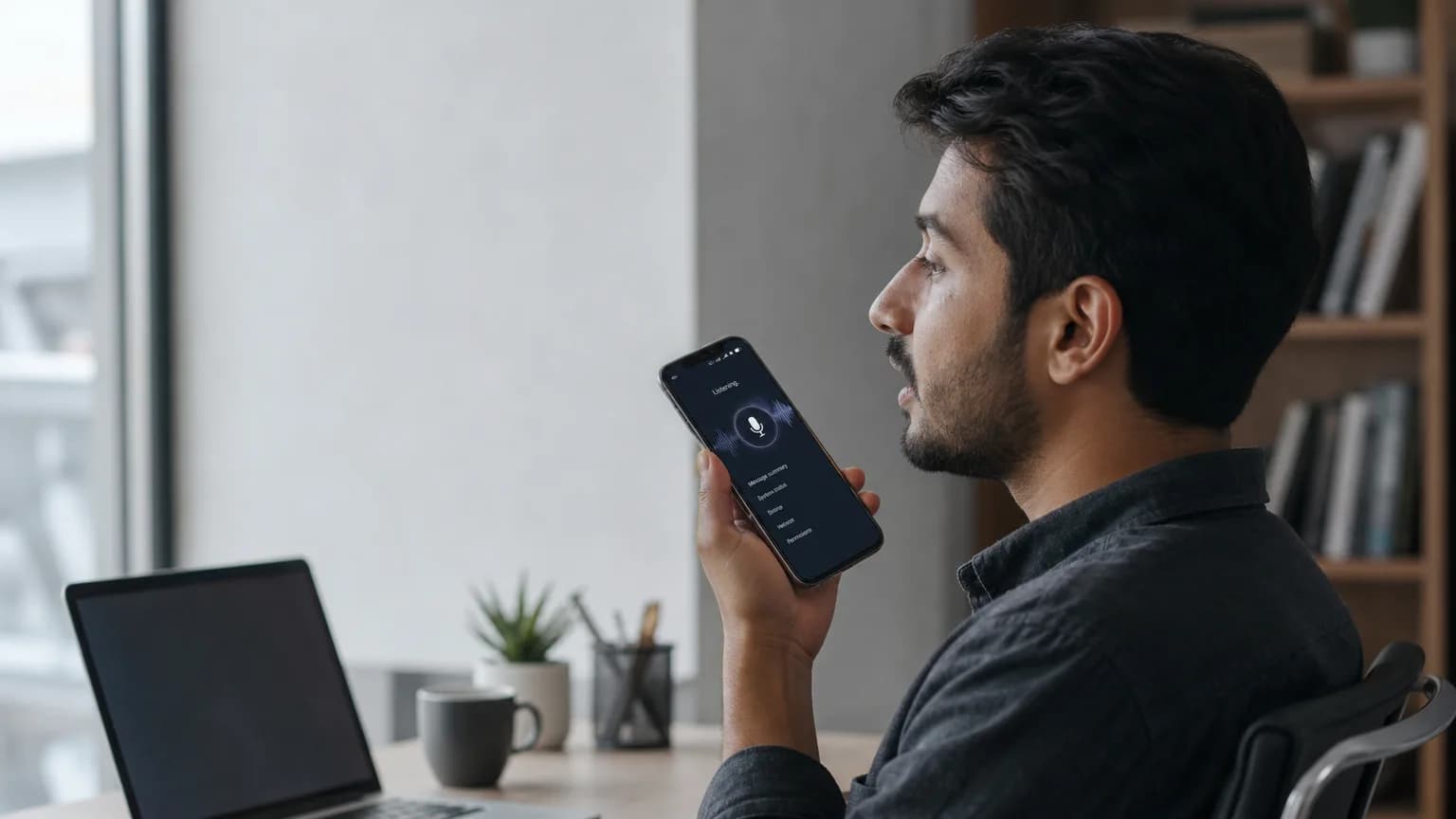
FoneClaw wants to replace the tap-and-swipe routine of using a smartphone with something closer to a conversation. The application controls Android devices through voice commands, covering more than 120 distinct actions that would otherwise require navigating menus, apps, and settings screens by hand.
The scope of what FoneClaw handles through speech alone is broad. Users can ask it to summarize incoming text messages and notifications rather than scrolling through a lock screen full of alerts. It also functions as a diagnostic layer for the device itself, surfacing system status reports on battery health, storage capacity, network connectivity, and app permissions on request. In practice, that turns a phone's control panel and notification shade into something you can query out loud instead of digging through manually.
Why Voice Control at This Scale Matters
Voice assistants built into Android have existed for years, but most are limited to a narrow set of tasks like setting timers, sending messages, or launching apps. FoneClaw's pitch is different: it frames itself as a general-purpose control layer for the operating system, spanning system diagnostics, communications, and device management under a single voice interface. Supporting 120-plus actions suggests an ambition to cover most of the routine friction points of daily phone use, from checking how much storage is left to reviewing which apps have access to sensitive permissions, all without unlocking the screen and hunting through settings.
For users with limited dexterity, visual impairments, or simply a preference for hands-free operation while driving or multitasking, a tool that consolidates system reporting and messaging summaries into voice queries could meaningfully cut down on screen time. It also reflects a broader trend of AI-driven interfaces trying to abstract away the operating system itself, treating the phone less as a grid of icons and more as an assistant that reports back on request.
The available details on FoneClaw remain limited to its feature set rather than technical implementation, pricing, or the underlying model powering its voice recognition and command execution. How it handles privacy-sensitive requests, such as reading notification content or reporting on app permissions, is also not yet detailed publicly. Those specifics will matter for developers and privacy-conscious users evaluating whether to let an app act as an intermediary layer over core phone functions.
Original reporting and research used to synthesize this article.
WAKIB Editorial Team
This review was prepared and summarized by the WAKIB AI intelligence engine and vetted by our editorial board for accuracy and reliability.
Subscribe to Newsletter
Get a weekly summary of the most promising AI research and tools delivered to your inbox.
Telegram Channel
Join our active community on Telegram for real-time tracking of AI models and trends.